
 Link to High-Throughput Computing on Firebird – and Beyond!


Early steps to building a CLAC accessibility community
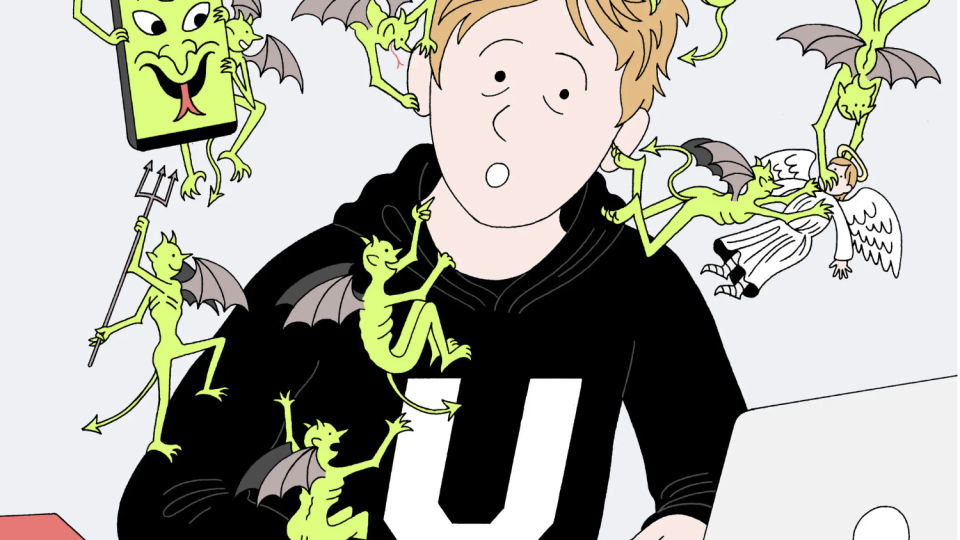
Liberal arts colleges are under increased scrutiny of their institutional approach for ensuring accessibility of web and other digital communication methods. While the Department of Justice (DOJ) and the Department of Education’s Office for Civil Rights (OCR) have issued guidance regarding institutional obligations for ensuring access for students with disabilities, colleges still struggle with how to best address such obligations within the context of policy, procedure, and implementation. The challenge of accessibility is systemic in nature and requires an organizational approach. Being reactive to DOJ and OCR investigations can be resource-intensive and may not always promote the most sustainable solutions. … Continue reading Early steps to building a CLAC accessibility community

How are we doing? 2019 MISO Survey Results
This year, Swarthmore College ITS and the Libraries asked the campus community to provide feedback via the MISO Survey, “a web-based quantitative survey designed to measure how faculty, students, and staff view library and computing services in higher education.” We … Continue reading How are we doing? 2019 MISO Survey Results

Faculty Spotlight: Kathryn Riley on Teaching and Learning with the iPad Pro
Over the past few years Swarthmore ITS has created a learning community with a small group of faculty called the Teaching with Tablets program. As part of the program we offer faculty a chance to use an iPad Pro or … Continue reading Faculty Spotlight: Kathryn Riley on Teaching and Learning with the iPad Pro
Getting help when YOU need it!
Information Technology Services staff are in the office throughout the regular work day at Swarthmore and usually a bit beyond. And we love to talk with and help out members of the community with technology related questions. However you can … Continue reading Getting help when YOU need it!

Woodworking and Sustainability
An Environmental Studies capstone class centered around climate urgency taught by Professor Giovanna Di Chiro has a group of 5 students who have chosen to focus on sustainable woodworking. Using the MakerSpace and Engineering lab, students Kyle Richmond-Crosset, Ethan Chapman, Tessa Hannigan, Alicia Lopez-Torres and Eriko Shrestha, have been using reclaimed and found wood to create a variety of handmade items. Some of the projects they have been working on are cutting coasters from logs, whittling spoons and slabbing out Mancala boards. These handmade items give them the opportunity to practice re-skilling while relinquishing the idea of perfection in industrial … Continue reading Woodworking and Sustainability
Workshop on Flexible Classroom Space Use
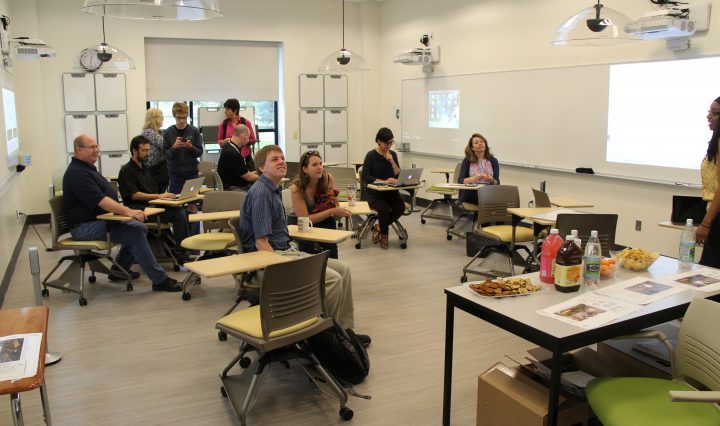
The Provost’s office, in partnership with ITS, would like to pilot a workshop opportunity for faculty to learn more about developing interactive teaching approaches for flexible learning spaces on campus. Several Swarthmore faculty have participated in discipline-specific workshops for student-centered … Continue reading Workshop on Flexible Classroom Space Use