Skip to content
Swarthmore College - ITS Blog

Swarthmore College – ITS Blog

  • The Dash
  • ITS Homepage
  • ITS Knowledgebase
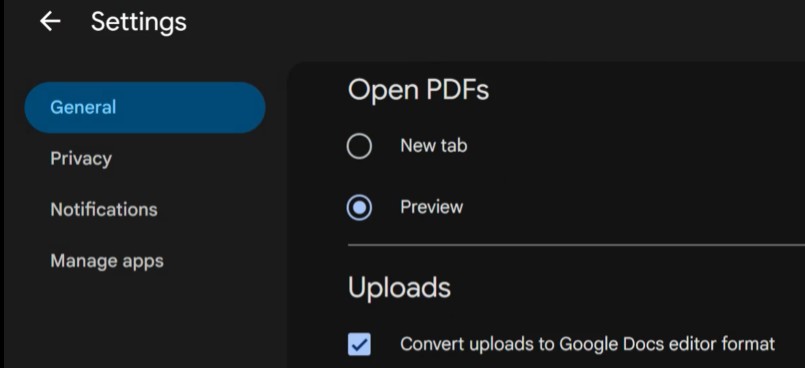
Google drive settings page scrolled down to the Uploads section.Link to Google Drive “Hijacking” Your Word Files? Here’s the Fix
Academic Technology, Google Apps

Google Drive “Hijacking” Your Word Files? Here’s the Fix

Safe exam browser iconLink to Testing without the internet: Safe Exam Browser
Academic Technology, Faculty/Staff

Testing without the internet: Safe Exam Browser

Burgundy background, tech images, and text that reads 'ITS Insider'Link to ITS Insider September 2026 – Welcome Back Edition
Faculty/Staff, Help Desk, Learning Technology, News, Student Engagement, Students, Workshops and Training

ITS Insider September 2026 – Welcome Back Edition

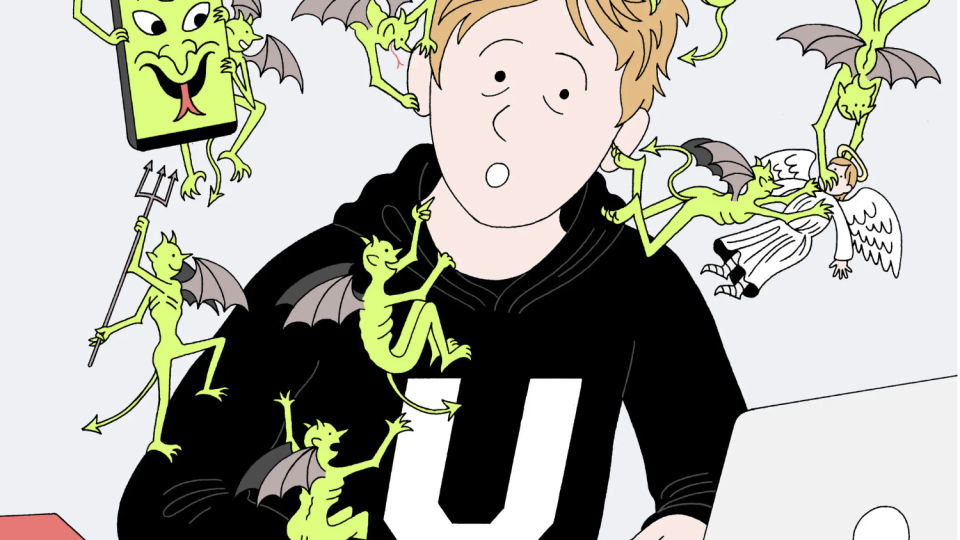
Graphic image of student being tempted by multiple devil figures while typing on a laptop computer. By Peter Gamlen, published 08-26-2026 NYTimesLink to How to stop students from using AI to cheat?
Academic Technology, Artificial Intelligence

How to stop students from using AI to cheat?

Link to Running Open-Source LLMs on Firebird
Academic Technology, Artificial Intelligence, Data Science, High Performance Computing, Open-Source, Research

Running Open-Source LLMs on Firebird

a yellow background with chat bubbles, circles, grid-paper globes representing the world wide web in both the foreground and background of various colors, then a widescreen dark blue background with an accessibility symbol in the middle in the negative space of a teal rectangle.Link to Reflections of an Accessibility Professional at Swarthmore
Academic Technology, Accessibility, Course Planning, Design Thinking, Good Reads and Articles, Learning, Moodle, Student Engagement, Students, Tips, Universal Design for Learning

Reflections of an Accessibility Professional at Swarthmore

Academic Technology, Accessibility, Students
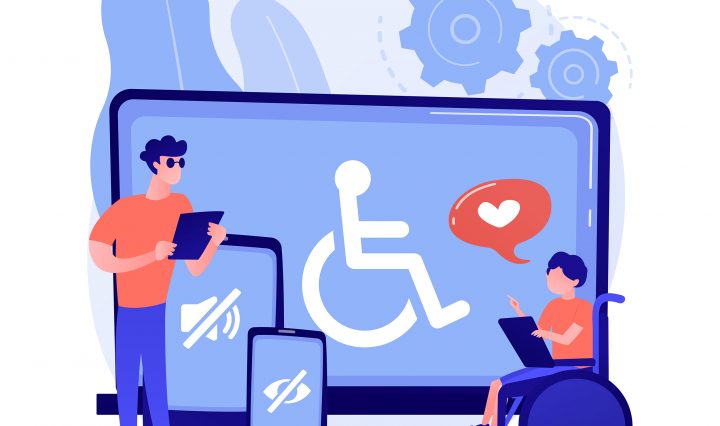
Two individuals in the foreground, working together. The individual to the left is standing and holding a tablet. The individual on the right is in a wheelchair and loving what is showing on their tablet. A laptop screen, enlarged, in the background, displays a stick figure in a wheelchair. This is foregrounded by a tablet screen displaying a megaphone with a line through it, or "no sound;" and a phone screen that displays an eye with a line through it, or "no vision."

How Digital Accessibility Opened New Career Possibilities for Me

October 19, 2023October 13, 2023 Opeyemi Ogundele

Around my junior year of high school, I knew that I wanted to pursue a career in ethical technology and artificial intelligence. Although being a career field that was still in some ways emerging, it was still too broad. Tech … Continue reading How Digital Accessibility Opened New Career Possibilities for Me

High Performance Computing

Swarthmore Joins CASC

October 16, 2023October 15, 2023 Jason Simms

Earlier this month, Swarthmore College joined the ranks of roughly 100 other institutions as part of the Coalition for Academic Scientific Computation (CASC). Originally formed in the 1990s as a small group of the heads of national supercomputing centers, CASC … Continue reading Swarthmore Joins CASC

Academic Technology, Artificial Intelligence, ChatGPT, Learning, Learning Technology
skynet logo

🤖 Welcoming our AI Overlords 🤖

October 10, 2023July 6, 2026 Anthony Weed

Did you know AI tools like ChatGPT can help take care of your busy work? Did you know it can help generate ideas if you’re stuck? Table of Contents Content Creation Lesson Planning Coding Assistance ELI5 Conclusion I asked ChatGPT … Continue reading 🤖 Welcoming our AI Overlords 🤖
Accessibility, GIS, Web Trends
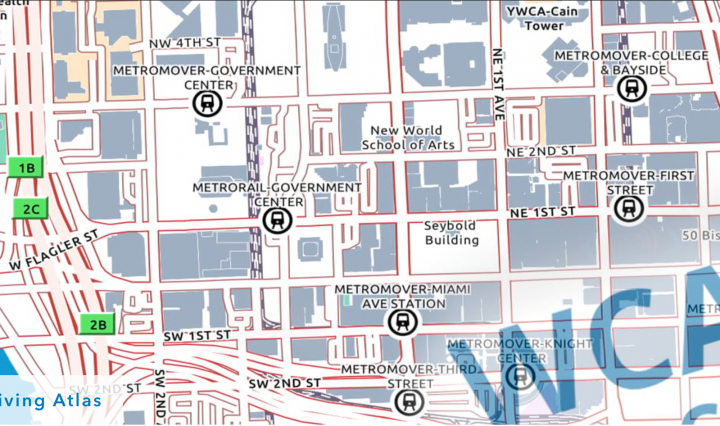
Map header image from Andy Skinner's 2020 Blog Post on Accessible Basemaps- https://www.esri.com/arcgis-blog/products/arcgis-living-atlas/mapping/towards-an-accessible-basemap/

Maps for All!

September 28, 2023September 28, 2023 Doug Willen

I had the opportunity recently to attend a Section 508 Best Practices Webinar: Maps for All – Building Accesible Maps, hosted by the Great Lakes ADA Center. The two presenters, Kelley Bailey the Section 508 Application Testing Team Lead of … Continue reading Maps for All!
Academic Technology

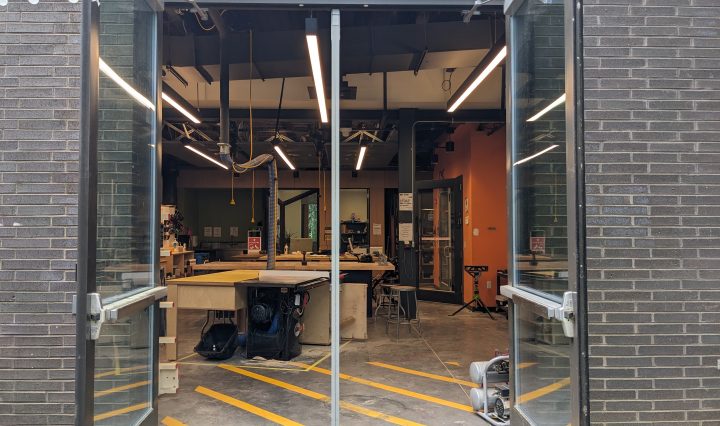
Welcome back to the Makerspace!

September 20, 2023September 20, 2023 Josh Jordan

As the September weather continues to turn not just bearable but delightful, and before the sun starts setting before dinner, it’s the perfect time to come check out the new and improved Makerspace in Whittier! What’s new? 1. Half of … Continue reading Welcome back to the Makerspace!

Academic Technology, High Performance Computing, Research

Upcoming Strelka Expansion

September 14, 2023September 12, 2023 Jason Simms

Strelka, Swarthmore’s high-performance computing (HPC) system, is set for an exciting expansion next month. This upgrade is needed because faculty and students are increasingly using the system to conduct research, teach courses, and other uses, resulting in bottlenecks and resource … Continue reading Upcoming Strelka Expansion

Posts navigation

Older posts
Newer posts

Help Desk

x4357 (HELP)
Call 610-328-8513 (off campus)
support@swarthmore.edu
Beardsley 110

Classroom and Conferencing Technologies

x6201
avbox@swarthmore.edu
Beardsley 115

Academic Technology

acadtech@swarthmore.edu

Swarthmore College, 500 College Avenue, Swarthmore, PA 19081 Phone: Call 610-328-8000

© 2023 Swarthmore College. All Rights Reserved.

  • Twitter
  • Instagram
Proudly powered by WordPress Theme: Gazette by Automattic.