
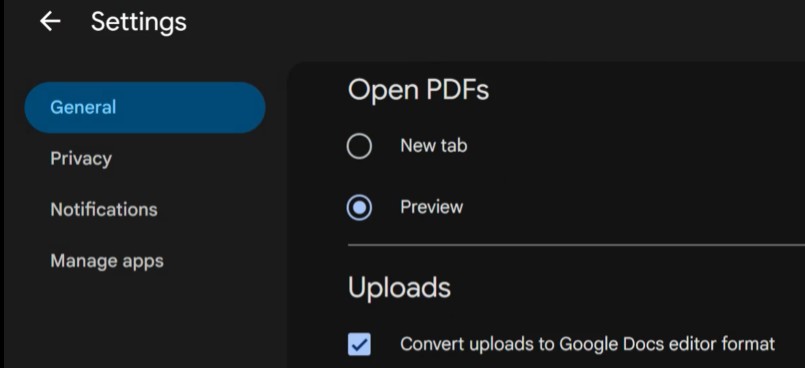
Ever uploaded a paper, syllabus, or dataset originally in Word, Excel, or PowerPoint to Google Drive only to watch it automatically transform into a Google Doc, Sheet, or Slide?
Automatic file conversions can ruin formatting, break formulas, disable track changes, and strip out key accessibility features. Luckily, you can fix this in under 30 seconds.
Watch this brief video tutorial to learn how to adjust your Google Drive defaults so your Microsoft Word, Excel, and PowerPoint files stay in their original format.
Watch Upload to Google Drive and maintain file extension.
Of course, we do also have Microsoft OneDrive… but that’s for another post.
We also have a step-by-step guide in case video isn’t the best way you learn: Swarthmore ITS’ KnowledgeBase article on uploading Microsoft Office files to Google Drive.