
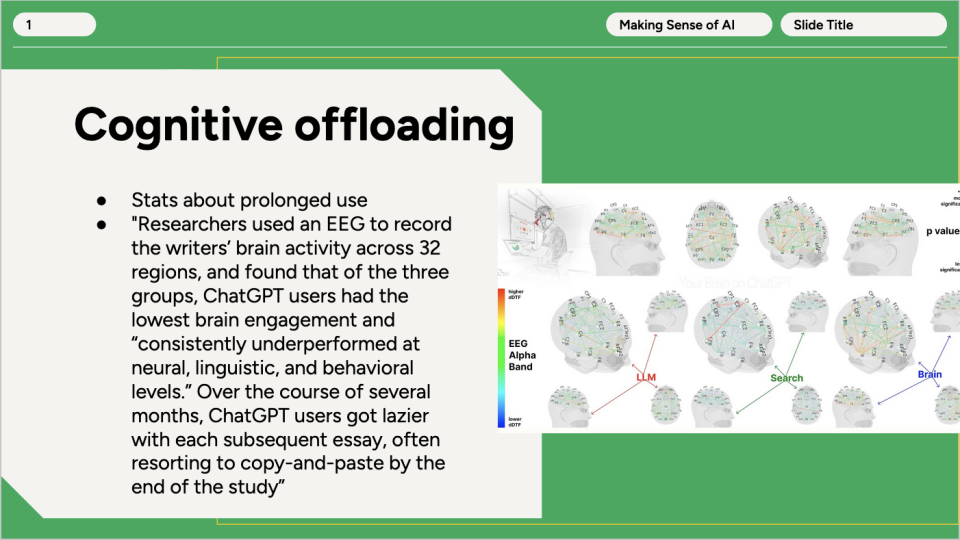
 Link to Unpacking the accessibility trap of Google Slides’ “Beautify” feature




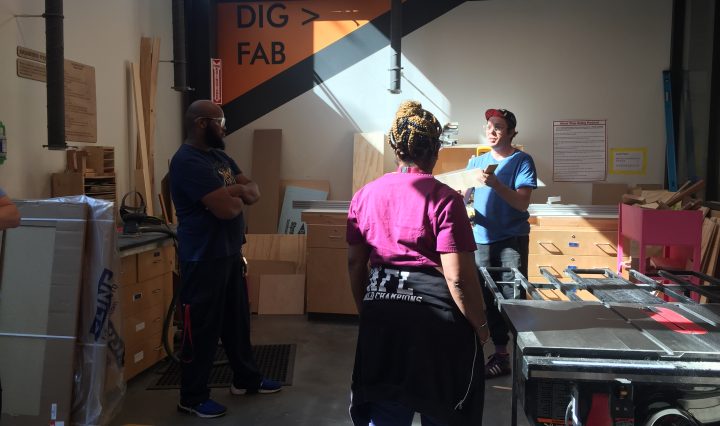
Learning for Life in the Makerspace
What’s the best way to make the vibe in the Makerspace instantly fun? …Fill it with our friends from EVS and let them loose on tools! This Summer, with organizing help from folks at the Teaching and Learning Commons, the … Continue reading Learning for Life in the Makerspace

The Crucial Role of Privacy and Security Policies in Artificial Intelligence Use at Swarthmore
The initial hype about the latest generation of artificial intelligence (AI) services such as ChatGPT has died down, but organizations are continuing to wrestle with appropriate uses of generative AI tools. A multitude of services are being developed that use … Continue reading The Crucial Role of Privacy and Security Policies in Artificial Intelligence Use at Swarthmore
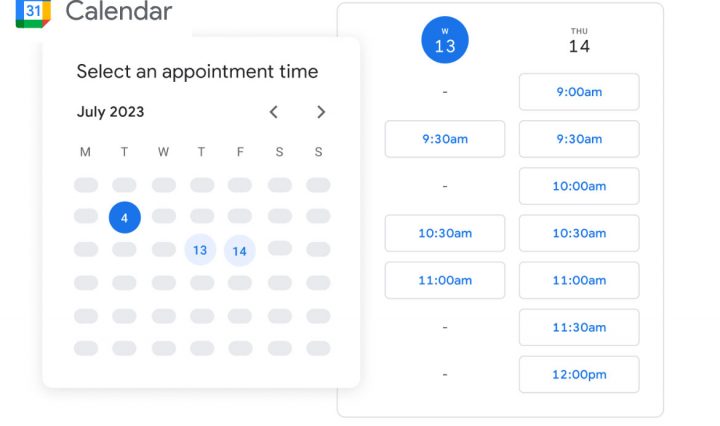
Goodbye Office Hours Scheduler (WASE), Hello Google Appointment Schedules!
We are sadly bidding goodbye to the WASE Office Hours Scheduler tool. While this resource has served us and our community well, there is unfortunately, no longer development or support for this tool. The WASE Office Hours Scheduler offered some … Continue reading Goodbye Office Hours Scheduler (WASE), Hello Google Appointment Schedules!

Adding H5P Interactive Content to Moodle
Are you curious about creating interactive content like Interactive Videos, Presentations, Games, Quizzes and more? If so, the H5P Moodle plugin may be a great option for you. H5P is an abbreviation for HTML5 Package. It enables educators to create … Continue reading Adding H5P Interactive Content to Moodle

Managing Research Software Environments
The landscape of research software is certainly rich and varied, driven in part by improved sharing and dissemination platforms (such as GitHub), as well as by enhanced mandates to provide access to software and workflows arising from nearly any federal … Continue reading Managing Research Software Environments
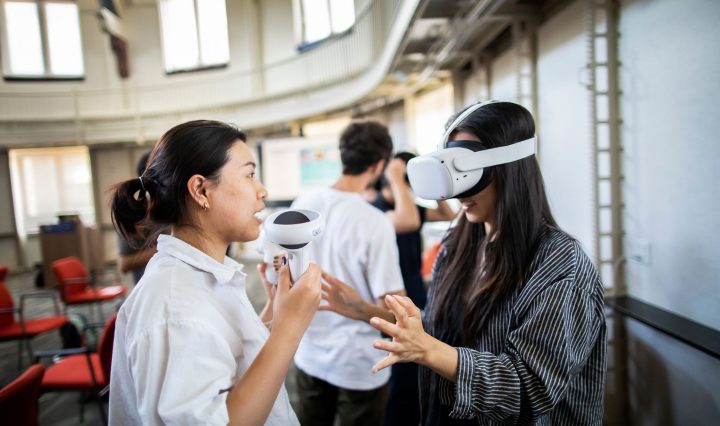
Announcing the Immersive Realities Initiative at Swarthmore
The following post is from our friends at the Swarthmore Libraries On behalf of the Digital Scholarship team at Swarthmore Libraries we are pleased to announce our Immersive Realities Initiative. In order to give students access to and experience with … Continue reading Announcing the Immersive Realities Initiative at Swarthmore