Skip to content
Swarthmore College - ITS Blog

Swarthmore College – ITS Blog

  • The Dash
  • ITS Homepage
  • ITS Knowledgebase
Burgundy background, tech images, and text that reads 'ITS Insider'Link to ITS Insider February 2026
Email, Calendaring, & Collaboration Tools, Google Apps, Help Desk, News, Security, Tips, Workshops and Training

ITS Insider February 2026

Link to NAIRR Pilot
Artificial Intelligence, Research

NAIRR Pilot

A cover image with the moodle logoLink to Who’s Auditing? Moodle Now Knows
Academic Technology, Moodle, News

Who’s Auditing? Moodle Now Knows

Burgundy background, tech images, and text that reads 'ITS Insider'Link to ITS Insider January 2026
Faculty/Staff, Help Desk, LinkedIn Learning, News, Tips, Voicemail, Workshops and Training, Zoom

ITS Insider January 2026

Using AI for alt text, this Gemini web interface showcases the custom accessibility Appropriate text alternatives for images Gem. The sidebar on the left displays navigation options and thumbnails of analyzed images, including graphs and documents. The main content window highlights the title and a purple icon with the letter "A."Link to Using AI, you, too, can create better alt text!
Academic Technology, Accessibility, Artificial Intelligence, Google Apps, Universal Design for Learning

Using AI, you, too, can create better alt text!

Google Colab LogoLink to Google Colab Free for Students and Faculty
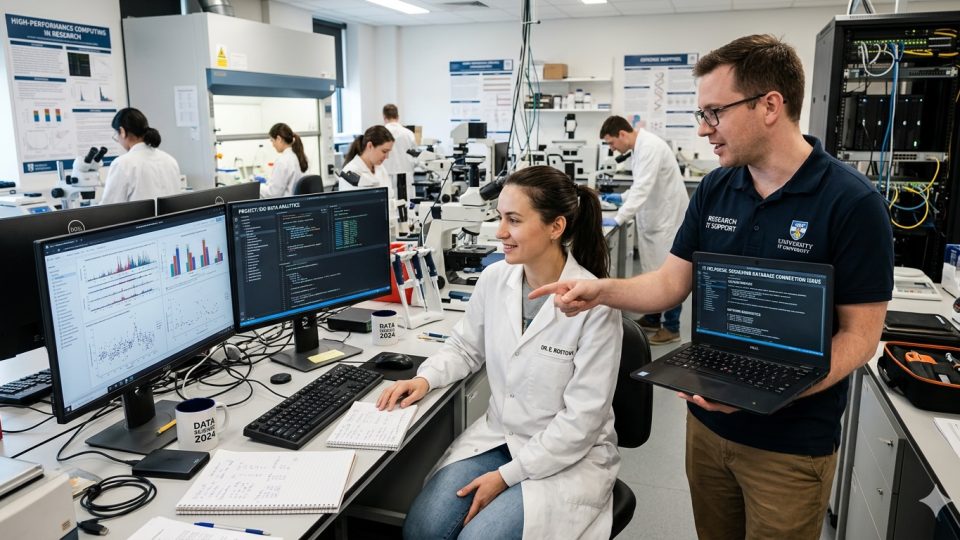
Academic Technology, Development, High Performance Computing, Research, Software

Google Colab Free for Students and Faculty

Academic Technology, Accessibility, Moodle

Moodle Accessibility Improvements Coming

January 10, 2019January 9, 2019 Andrew Ruether

Last year ITS developed and implemented the File Scan block in Moodle to help identify inaccessible PDF files. This year, we are working on improvements to the block that will allow instructors to automatically fix PDF files that are not … Continue reading Moodle Accessibility Improvements Coming

Faculty/Staff, Learning, Security
TechGuard main page

Learn More About Tech Security with TechGuard

December 10, 2018 Jessica Stockett

All of our Faculty and Staff have access to a great new service available at Swarthmore called TechGuard. This is an eLearning platform the provides interactive videos to learn more about cyber security. The topics range from phishing, to protecting … Continue reading Learn More About Tech Security with TechGuard

Academic Technology, Learning Spaces, MakerSpace, People
MakerSpace Profiles title card with saw

MakerSpace Profiles: Oliver Steinglass

December 6, 2018February 28, 2019 John Word

In the first installment of our video series profiling Swarthmore MakerSpace student technicians Oliver Steinglass ’20 discusses his role in the MakerSpace as well as projects constructed in the digital fabrication lab and wood shop. Continue reading MakerSpace Profiles: Oliver Steinglass

Academic Technology, Moodle, Tips
Screenshot of a Moodle menu showing link to the gradebook

4 Moodle Gradebook Tips

December 3, 2018 Andrew Ruether

More faculty are using the Moodle gradebook to keep track of assignments, exams, and other assessments.  Moodle is very configurable and can be adapted to almost any grading format.  The user interface isn’t always intuitive, so here are four tips … Continue reading 4 Moodle Gradebook Tips

Academic Technology, Blended Learning
4 different color circles touching. Inside each circle is a different icon. One is a icon of a person at a chalkboard, the next is an icon of a pen and paper, the next is a mobile phone, and the last is a laptop.

Blended Learning Series Wrap-Up

November 28, 2018November 30, 2018 Ashley Turner

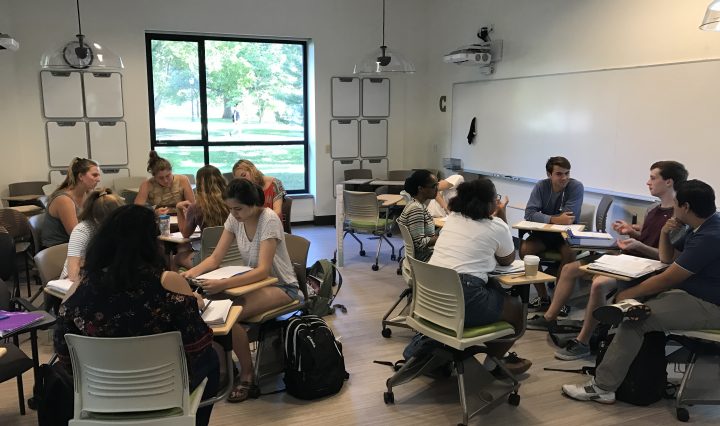
Right before Thanksgiving break, we wrapped up our 3 part blended learning workshop series where we explored different ways in which faculty at Swarthmore could incorporate blended learning in their coursework. For those unfamiliar, blended learning is a mix of online, … Continue reading Blended Learning Series Wrap-Up

Academic Technology, Course Planning, Faculty/Staff, Learning Technology, Moodle
Assignment sign

How to Grade Online Assignments and Exams

November 8, 2018 Andrew Ruether

An increasing number of Swarthmore faculty are using online grading for assignments and exams.  Since students create most of their work digitally, it makes sense to submit an assignment electronically and avoid the need to print a hard copy.  ITS … Continue reading How to Grade Online Assignments and Exams

Posts navigation

Older posts
Newer posts

Help Desk

x4357 (HELP)
Call 610-328-8513 (off campus)
support@swarthmore.edu
Beardsley 110

Classroom and Conferencing Technologies

x6201
avbox@swarthmore.edu
Beardsley 115

Academic Technology

acadtech@swarthmore.edu

Swarthmore College, 500 College Avenue, Swarthmore, PA 19081 Phone: Call 610-328-8000

© 2023 Swarthmore College. All Rights Reserved.

  • Twitter
  • Instagram
Proudly powered by WordPress Theme: Gazette by Automattic.