“Who Is That?” Series: Introducing Corrine Schoeb
The “Who Is That?” series gives you a peek into the good folks behind (some of) the machines here on campus. We ask a variety of … Continue reading “Who Is That?” Series: Introducing Corrine Schoeb
More faculty are using the Moodle gradebook to keep track of assignments, exams, and other assessments. Moodle is very configurable and can be adapted to almost any grading format. The user interface isn’t always intuitive, so here are four tips … Continue reading 4 Moodle Gradebook Tips
This post outlines two small and easy changes and one bigger change that can make your communication more inclusive. These three changes add up to make … Continue reading Commit to Being More Inclusive with Three Changes
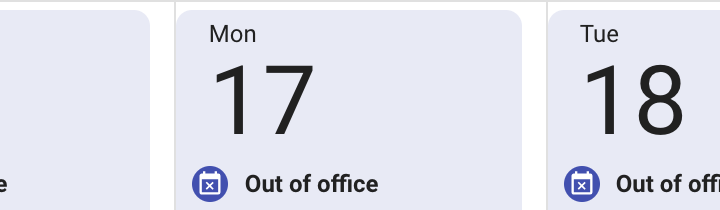
Out of Office for Calendar Google Calendar has added an “Out of Office” option as a new way to mark time on your calendar. This feature will allow you to block off either full days or select hours within a … Continue reading New Features for Google Calendar
One of the harder things to do in Adobe InDesign, surprisingly for a page layout tool, is to create multilevel or outline format numbered lists. The right way to accomplish this, according to the folks at Adobe, is to create a Style for every level of the list you’d like to have! Here are Adobe’s instructions on how to do so (This content is taken directly from https://helpx.adobe.com/indesign/using/bullets-numbering.html#create_multi_level_lists): Create multi-level lists A multi-level list is a list that describes hierarchical relationships between the list paragraphs. These lists are also called outline lists because they resemble outlines. The list’s numbering scheme (as well as indentations) show … Continue reading Multi-level lists in Adobe InDesign
This summer, Moodle introduced a new home page that separates courses into In progress, Future, and Past tabs. As soon as a course end date passes, it moves from the In progress tab to the Past tab. This helps keep your home … Continue reading Disappearing Moodle Courses