
 Link to High-Throughput Computing on Firebird – and Beyond!




Wood: from Grounds to the Makerspace
or: How a Mill Becomes a Saw Good material commands a premium: taking wood from its natural form to something workable in a shop can take an enormous amount of equipment, energy, and time. Good thing the Makerspace is all … Continue reading Wood: from Grounds to the Makerspace

Unlock the Power of Efficiency: Introducing Bulk Enrollments in Moodle
tl;dr you can now upload users to Moodle courses and groups via csv file. Our Moodle platform has just rolled out an update that’s set to transform the way you manage your course groups. Say goodbye to the tedious task … Continue reading Unlock the Power of Efficiency: Introducing Bulk Enrollments in Moodle
Use Adobe Express to Create Flyers, Social Media Graphics, and Presentations
Online graphic design apps such as Adobe Express and Canva can help students, faculty, and staff quickly create posters, advertisements, or information graphics for course or campus events. Adobe Express is free with additional features available to all Swarthmore students, … Continue reading Use Adobe Express to Create Flyers, Social Media Graphics, and Presentations

Technology in the Classroom: Mapping Chinatown with ArcGIS StoryMaps
As we move into the new Spring semester, I’d like to take a moment to celebrate the semester culminating project (The Struggle to Preserve Philadelphia’s Chinatown) produced by a group of students, with the support of their faculty instructor, and … Continue reading Technology in the Classroom: Mapping Chinatown with ArcGIS StoryMaps

Unleash the Full Potential of Your Moodle Course: Exploring the Activity Completion Feature
Moodle offers a useful tool called Activity Completion, which professors can use to establish completion requirements for student activities. This feature ensures that students are aware of the tasks they need to accomplish and allows instructors to determine conditions for … Continue reading Unleash the Full Potential of Your Moodle Course: Exploring the Activity Completion Feature
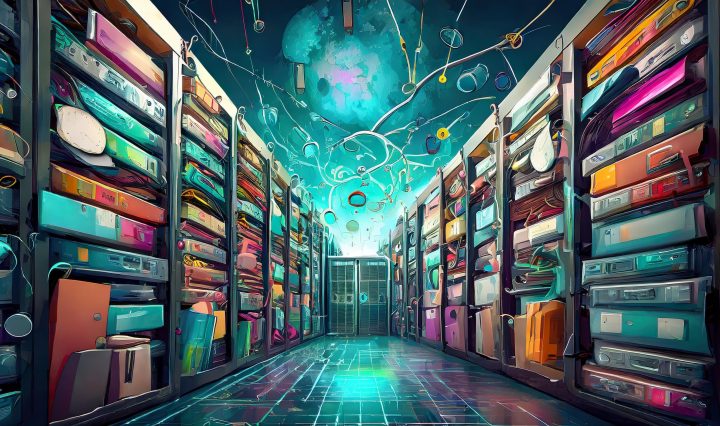
Research Data Storage Options in a Post-Google World
For many years, users at institutions subscribing to Google’s suite of tools enjoyed effectively unlimited data storage within Google Drive. Seriously, there was a time when the only hard limit was 1 terabyte(!) per file. For researchers needing to store … Continue reading Research Data Storage Options in a Post-Google World