

The ITS Insider is the Help Desk newsletter which includes timely topics and events. This month’s newsletter covers articles on staying connected after getting a new device, the benefits of Adobe Express, tech around campus, and destressing with our Help Desk puzzle.
New phone, who dis?
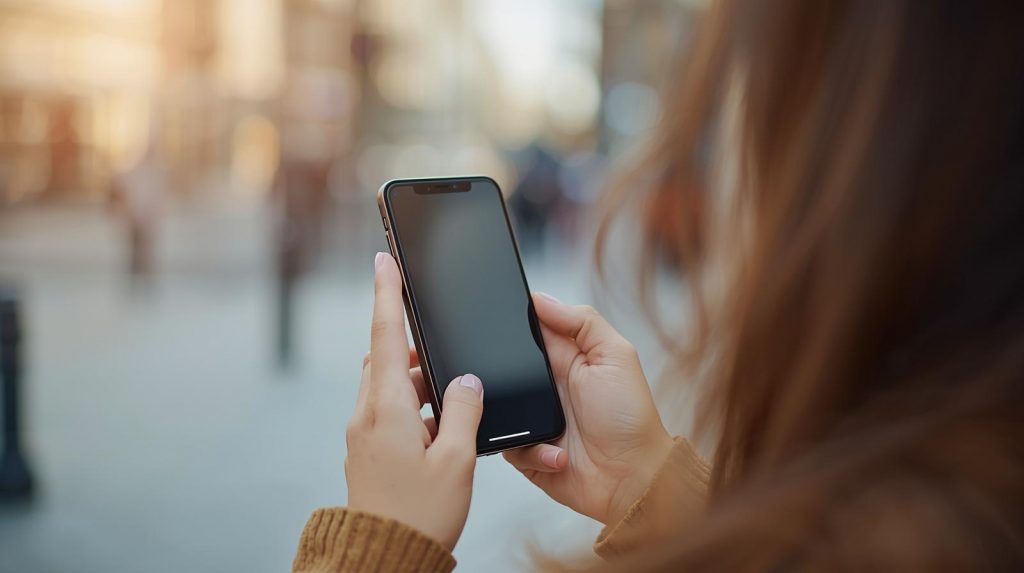
Have a new phone on your wish list this holiday season? Activate DUO BEFORE trading in your old phone, so you don’t get locked out of your Swarthmore accounts. Be sure to check out our ITS resources to help you keep and maintain access.
Use the DUO Mobile app to stay connected while you transition to a new phone or a new phone number. To do so, ensure that the DUO Mobile app is activated on a secondary device such as the old phone (connected to Wi-Fi), or a tablet. Next, follow the Adding the DUO Mobile App (Alternate Method) instructions to activate the app on both the new phone and the secondary device.
Another important step you’ll want to take when getting a new device is removing your Digital OneCard from the old device. Look for the, ‘How do I get a new Digital OneCard if I get a new device? ‘ steps on the Digital OneCard site for steps to remove your Digital OneCard from the old device and add it to the new one.
For additional assistance visit support.swarthmore.edu and open a support request.
Canva is Out! Adobe Express is in.
Did you know that your Swarthmore account gives you access to Adobe Express? Similar to Canva, Adobe Express is a web and mobile app that lets you create graphics, videos, and documents with ease. It has a simplified user interface with ready to use templates and design elements. Additional features include AI powered editing tools with Adobe Firefly, a logo maker, video and web design, as well as access to thousands of fonts.
You can access the app via the web at express.adobe.com or in the Android and iOS app store. For user guides and to learn more, go to Use Adobe Express instead of Canva and login with your Swarthmore credentials.
Every piece counts—help us complete the puzzle!
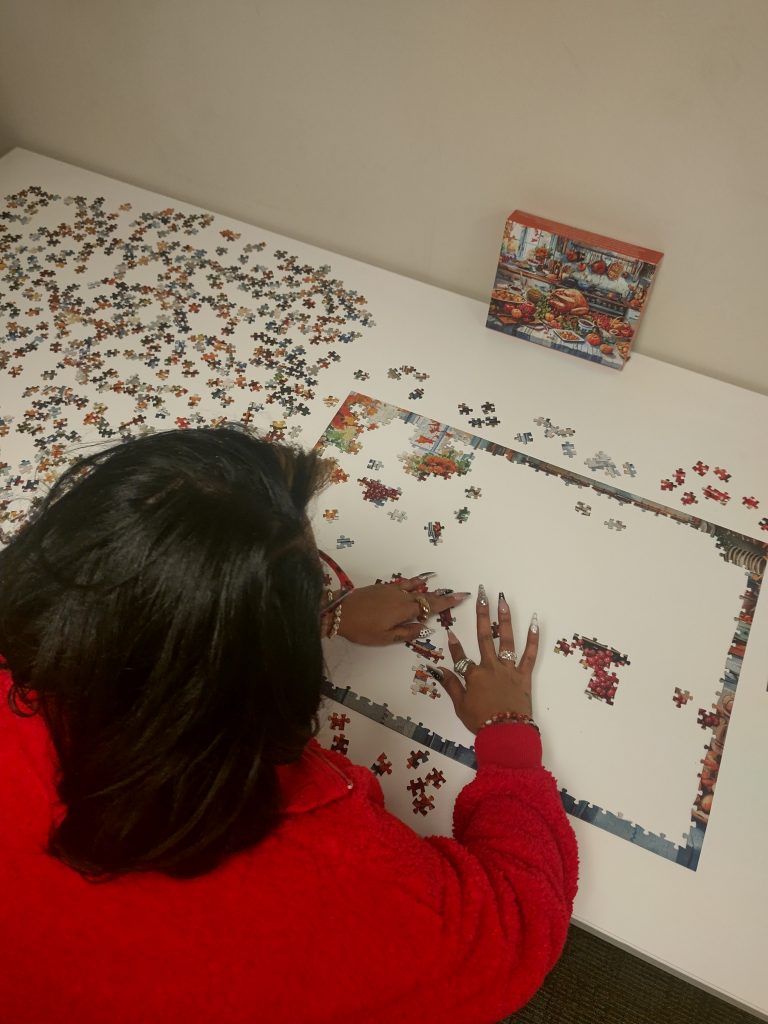
Need a quick mental break? Swing by the Help Desk reception area in Clothier Hall, and lend a hand with our community puzzle! It’s out on the table and ready for anyone to stop by, find a piece, and add to the picture.
Whether you’re waiting for assistance, passing through, or just need a brain reset between tasks, we’d love for you to join in. Every piece counts—come help us complete it!
Tech I’m Using – Retro Phone Handset
Working in IT we try to stay abreast of the latest and greatest tech. We also just really love gadgets and want to highlight some tech that is being used around the campus community.
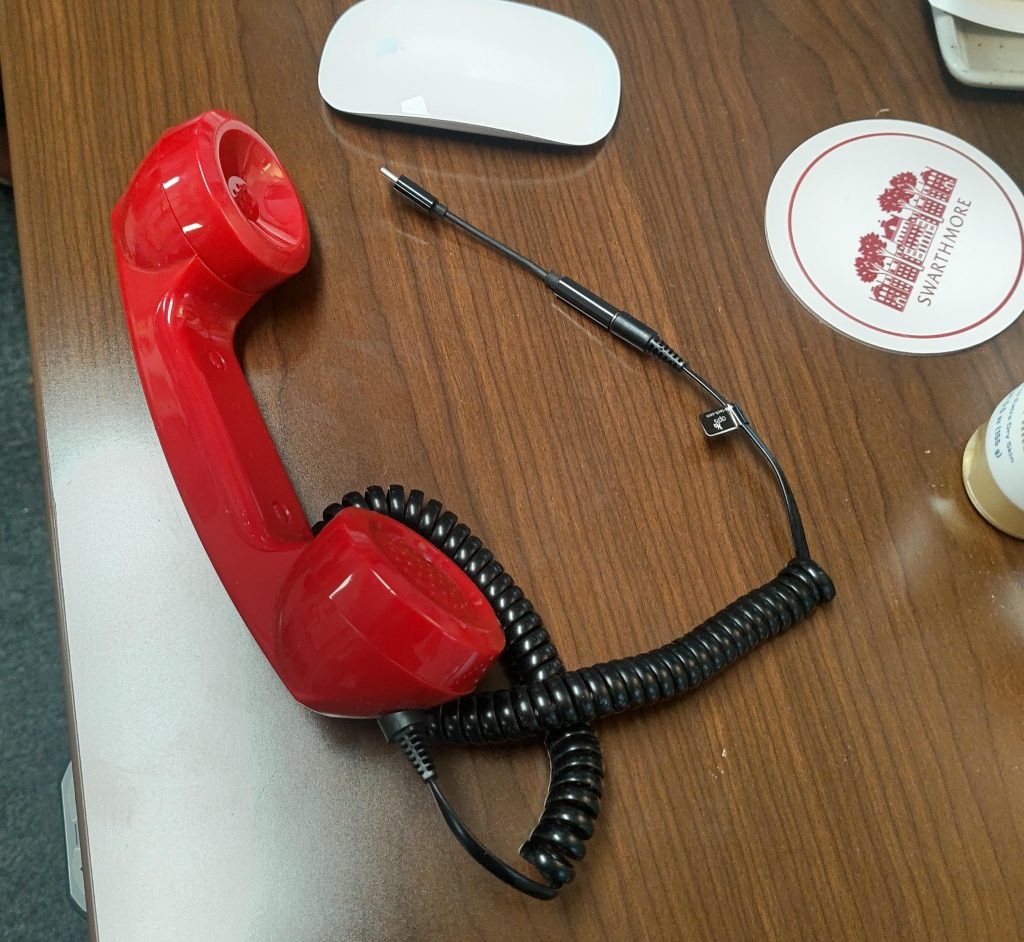
Bernadette in Print Services is using a USB-C Retro Phone Handset for Zoom calls on her computer. After a quick search on Amazon, we found the Opis Technology 60’s Retro Handset, which is a corded phone receiver that is compatible with most iPhones, Android’s, computers, and tablets. It gives a nostalgic phone experience in a world of ever changing technology and also comes in an array of colors to suit your personality.
Disclaimer: These spotlights are for informational purposes only. ITS does not endorse or recommend the specific products or services featured. We’re simply sharing what members of our community are using and enjoying.
ITS Lunch & Learn on December 5th
Grab your lunch and join us on Dec 5th for a mini training session via Zoom. We will be providing tips for speeding up your Windows computer and learning what is slowing it down.. The session is open to all Swarthmore faculty and staff and will start at 12pm. During the session, there will be 20-30 minutes of training followed by Q&A.
To register, click on the session link below:
Dec 5th – Windows Computing: Tips to speed up your computer
We are planning to have more sessions in the Spring, and will be collecting feedback to determine future topics.
We need your input – what do you want to learn?
As we plan for the spring ITS Lunch & Learn Series, we need your input. The ITS Lunch & Learn Series features mini training sessions via Zoom. Sessions start at 12pm and contain a 20-25 minute training topic followed by Q&A.
For future Lunch & Learn sessions, we are considering the following topics: improving battery life, working with computer screenshots, working with Google Drive, and wrangling your web browser (and cache). What topics would you like to see? Let us know what you’d be interested in learning (could be one of our suggested ones or other topics).
Complete the ITS Lunch & Learn Future Ideas Survey to tell us what topics you’re interested in learning about.