
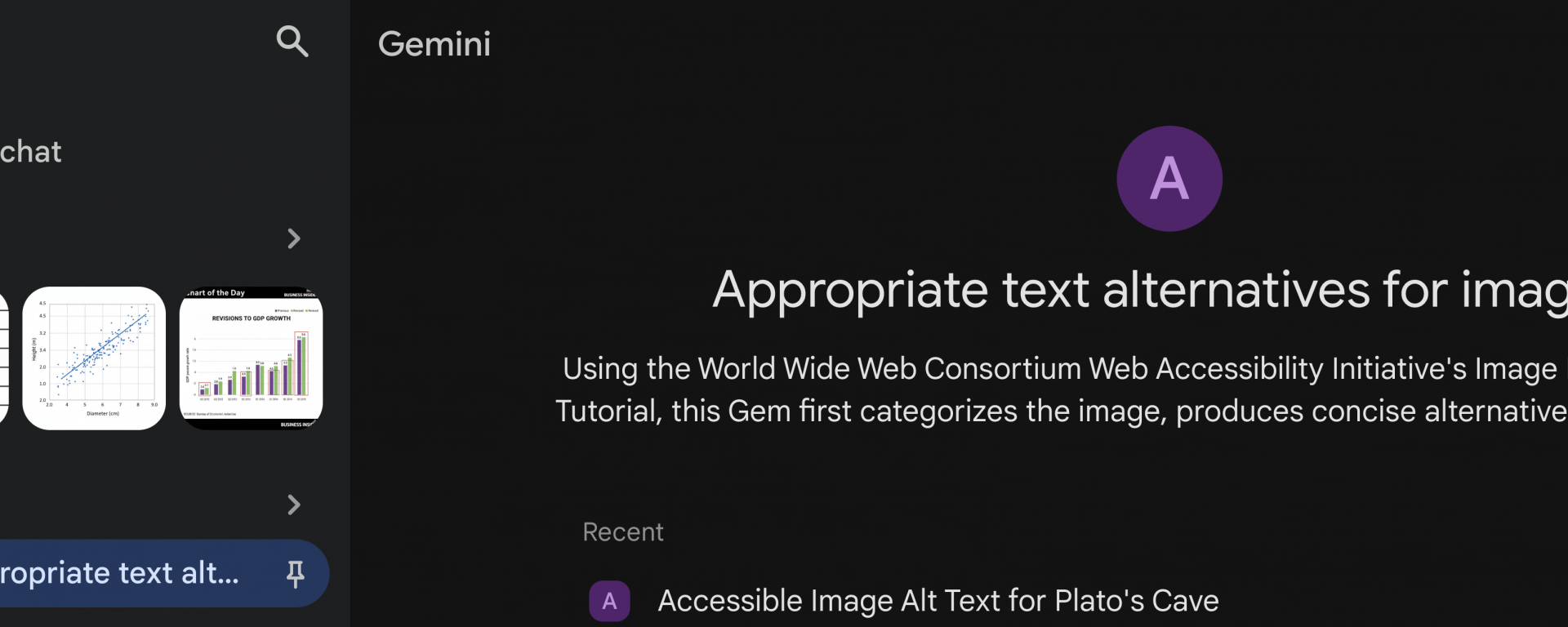
Up until late last semester, one of our Artificial Intelligence (AI) subscription services—Gemini—didn’t allow us to share the bots we create. Gemini calls these “Gems”. With the Appropriate text alternatives for images Gem we created using AI, you, too, can create better alt text!*
Creating the Gem
In short, the Gem creates accessible image descriptions using the World Wide Web Consortium (W3C) Web Accessibility Initiative’s (WAI) Image Description Tutorial and the Web Content Accessibility Guideline’s (WCAG) relevant image guidance. We coupled these with specific instructions for Gemini, including having the alternative text be concise but descriptive.
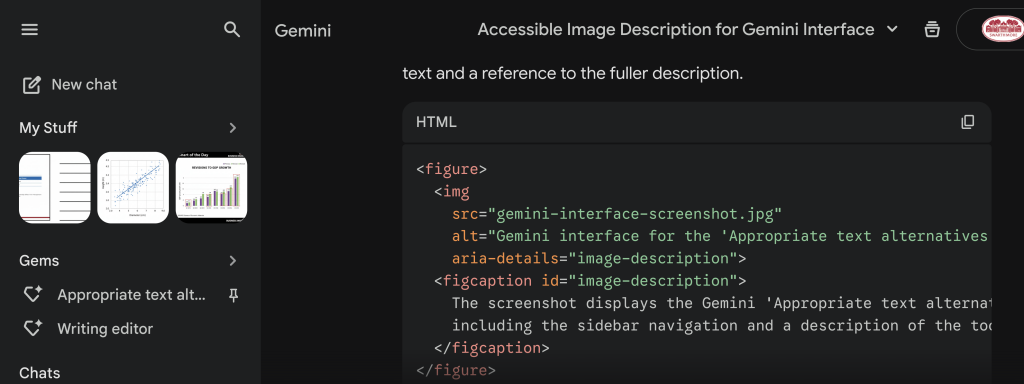
Once results are generated, the Gem asks if you’d like to include any context. You will input any text that appears around the image so that the tone can attempt to be matched. The Gem refines the alternative text or image description based on that context, mirroring the tone in the surrounding text.
Finally, the Gem generates HTML in case you are a web editor and want to have more accessible design and implementation.
AI for alt text eliminates need for accessibility professionals
As long as the internet has more false facts than true ones, humans will need to edit AI-generated material. This remains true for AI for alt text. It’s likely that the author will have the most information about the image and the contexts in which certain alt text will fit or not.
AI will not eliminate our jobs. However, we do encourage users to attempt to eliminate our jobs by doing as much to increase the accessibility of your content as you can!
Secure-at-Swat Artificial Intelligence
We have previously posted about the AI Resources at Swarthmore available to you as the owner of a Swarthmore ID. We have contracts with these vendors so that they are not training on the data we input.
Warnings about AI use
- Any free Artificial Intelligence you are using is likely training on the data you input.
- Anyone with a data center in their state or city can tell you about the environmental impact. Just look at their utility bills increasing.
Invitation for feedback and comment on our AI for alt text
If you have feedback, please email that same address. We’d love to hear, particularly:
- mistakes or inventions the Gem is making.
- how it’s handling STEM materials.
- how it’s handling graphs, equations, and diagrams.
- what you think might be missing.
*If you don’t have a Swarthmore ID, you will have to recreate this Gem for yourself. It would not make a great blog post to list out all of the resources that populate the bot. However, if you email accessibility@swarthmore.edu, we can send you the specific recipe.